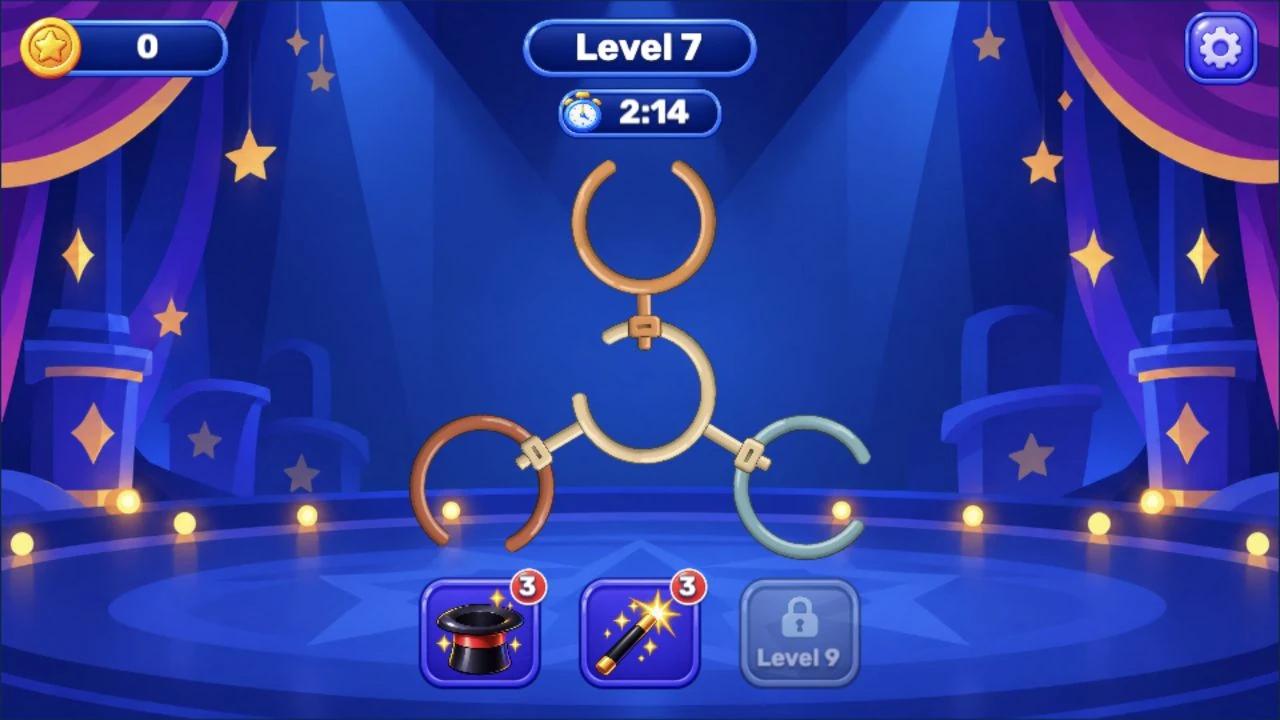
About the game
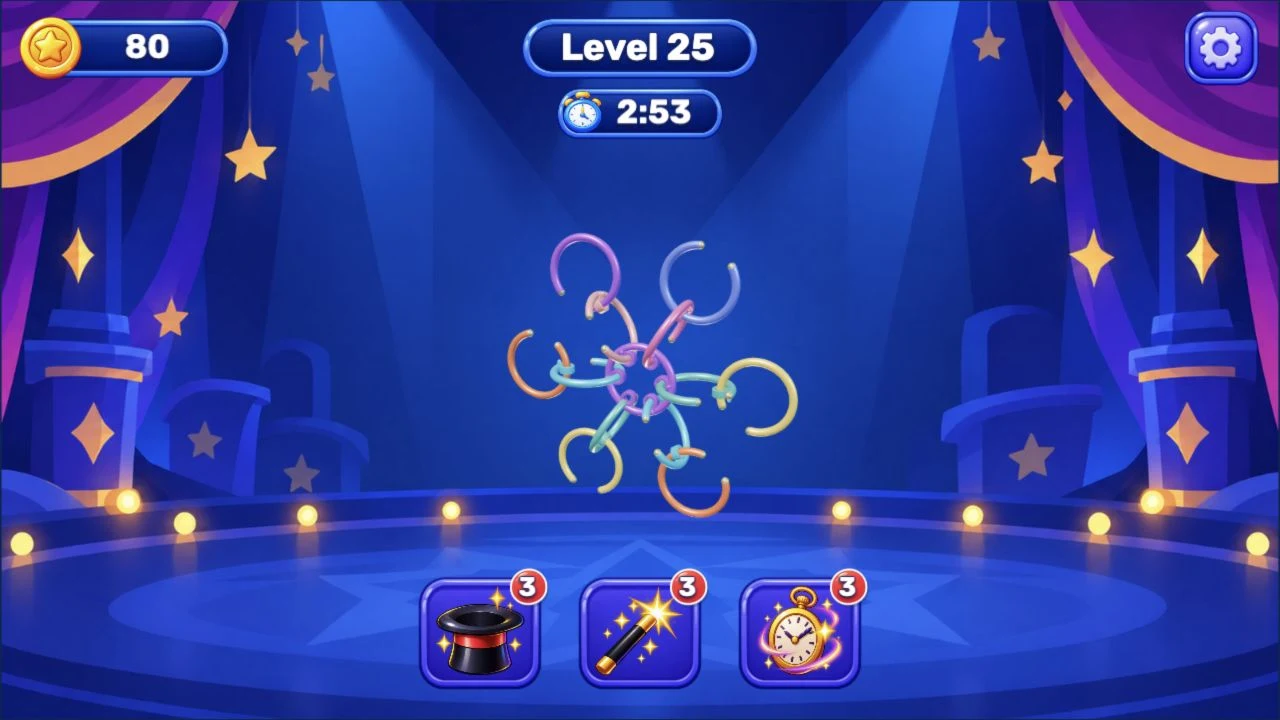
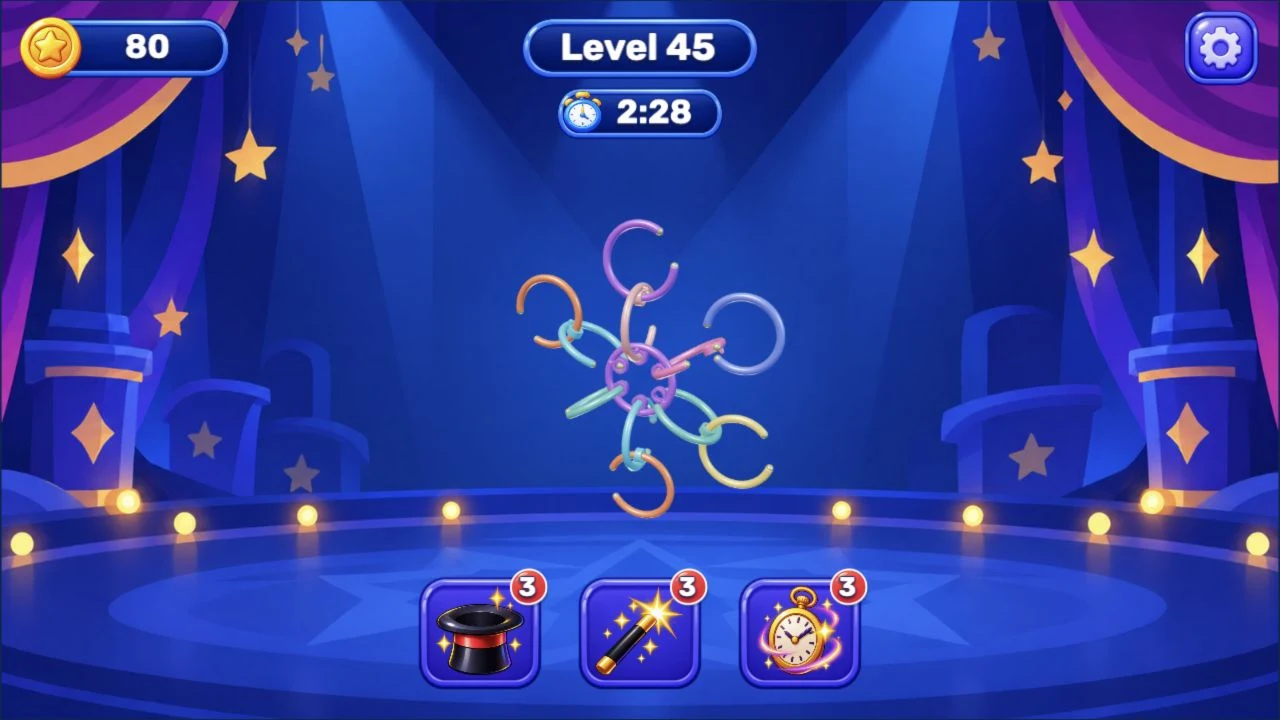
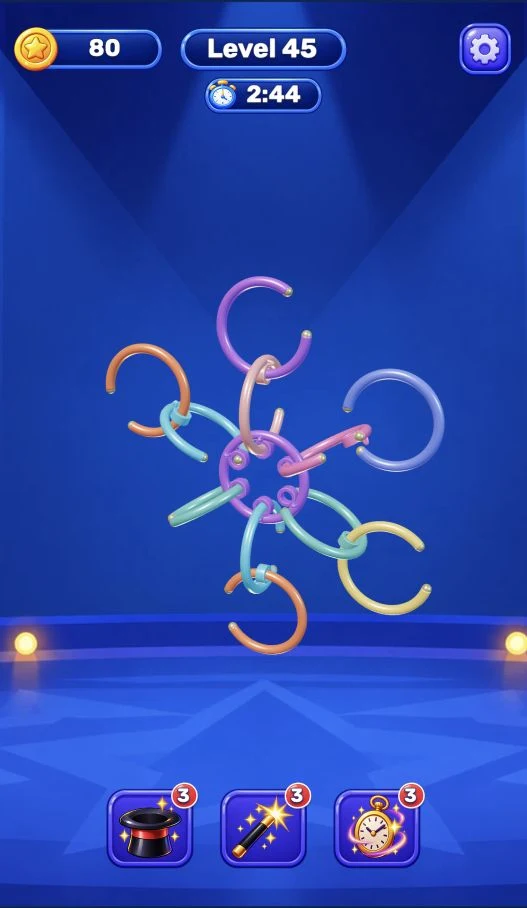
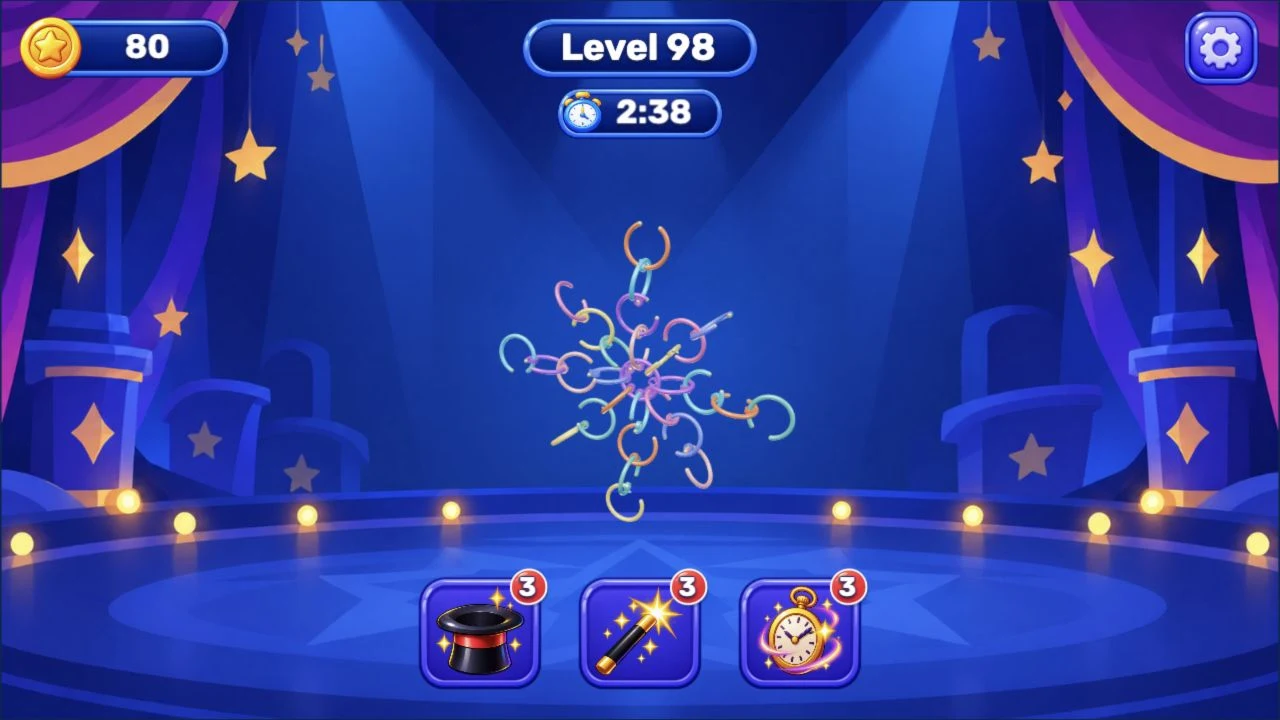
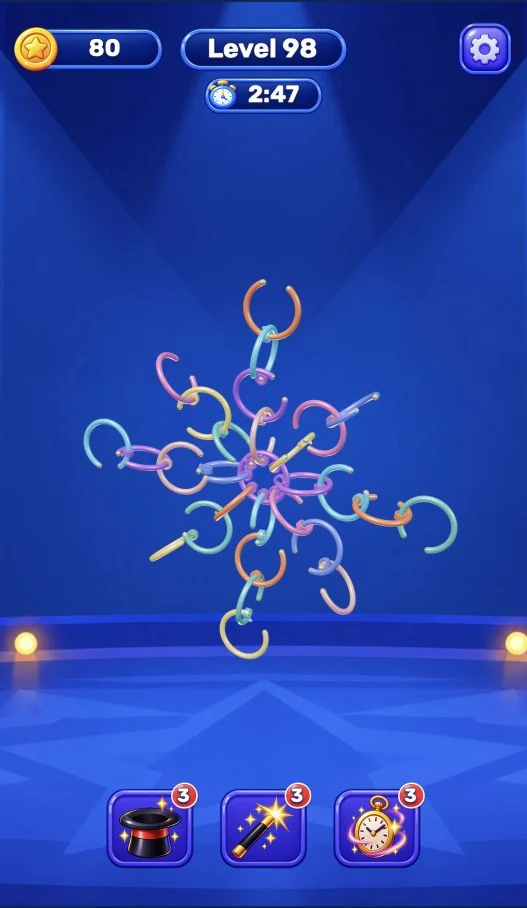
Rings 3D is a puzzle with 100 spatial levels. Rings sit in different planes and connect through small clasps. The goal is to find the sequence of turns that frees every piece.
After the tutorial, each level has a three-minute timer. Completing it awards coins and one to three stars; every five victories unlock a booster chest. Unfinished levels, rewards and settings persist between sessions.
At the start of a level, rings arrive from different directions along spiraling paths and assemble into the puzzle. Released pieces scatter downward with acceleration and tumble. Confetti and colorful fireworks celebrate each victory.
How to play
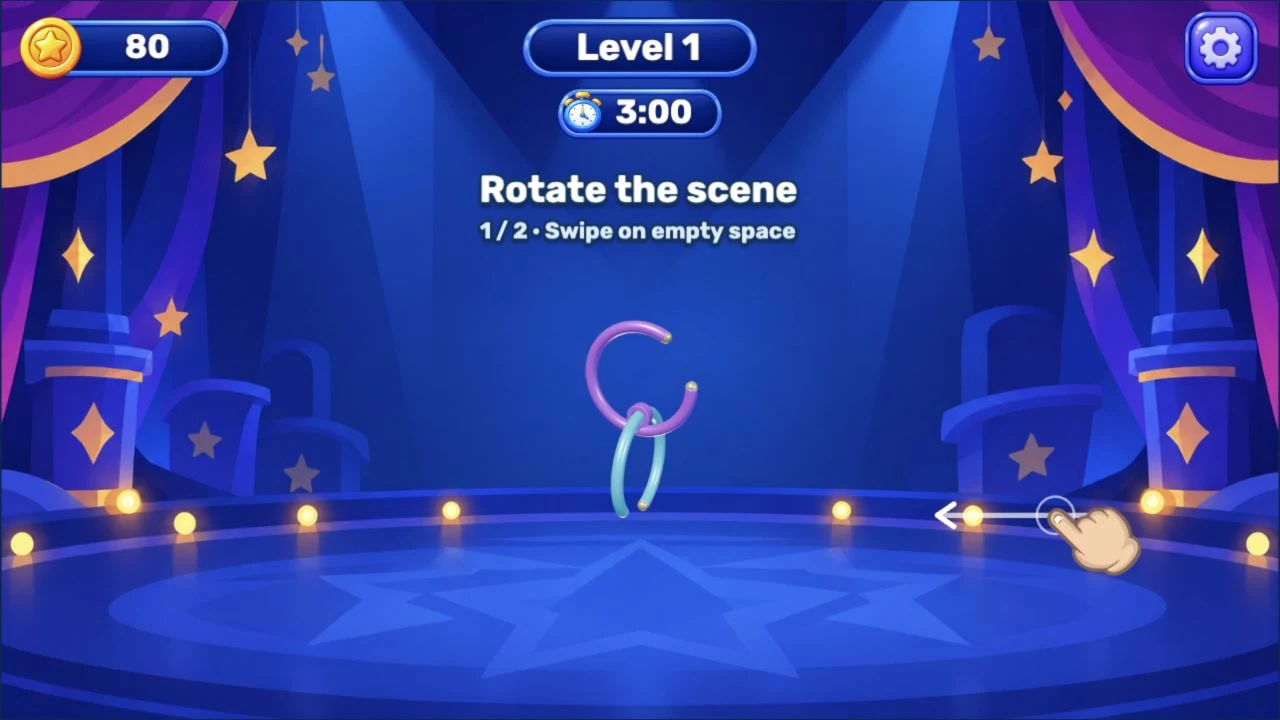
Dragging empty space rotates the whole scene. This reveals the ring opening and the clasp holding it. Dragging a ring turns it in its own plane. As soon as its extraction path is clear, it falls automatically.
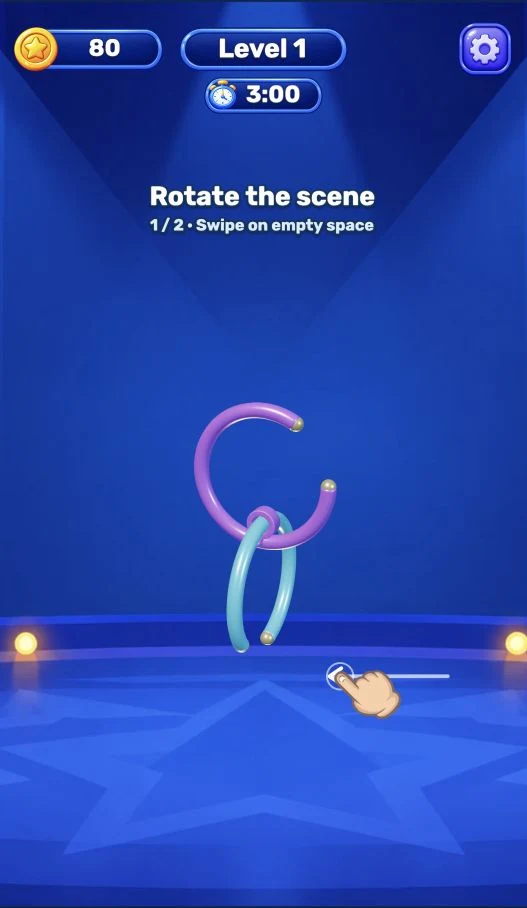
The first level teaches both gestures in order: an empty-space swipe, followed by a gesture on the indicated ring. The countdown pauses during the tutorial.
Magic Hat removes a random ring, Magic Wand removes a selected ring, and Magic Clock adds 20 seconds. These boosters unlock as the campaign progresses. The gear button opens the music and sound settings.
Three.js inside a PixiJS texture
Three.js renders the models, materials and lighting into a separate canvas. Its image becomes the texture of a single PixiJS sprite. This brings the spatial puzzle, UI, masks, particles and transitions together in one visible game canvas.
The texture updates when the scene rotates, pieces move, animations play or the screen changes size. An idle 3D scene does not redraw. The board component owns the render surface and GLB model instances and releases them when the scene exits.
- Three.js handles perspective, lighting, materials and mesh raycasting.
- PixiJS handles the UI, gesture hints, particles and screen transitions.
- Ring and clasp geometry determine allowed movement and extraction.
- Gameplay follows FSM → Command → Scene Service → Domain Model.
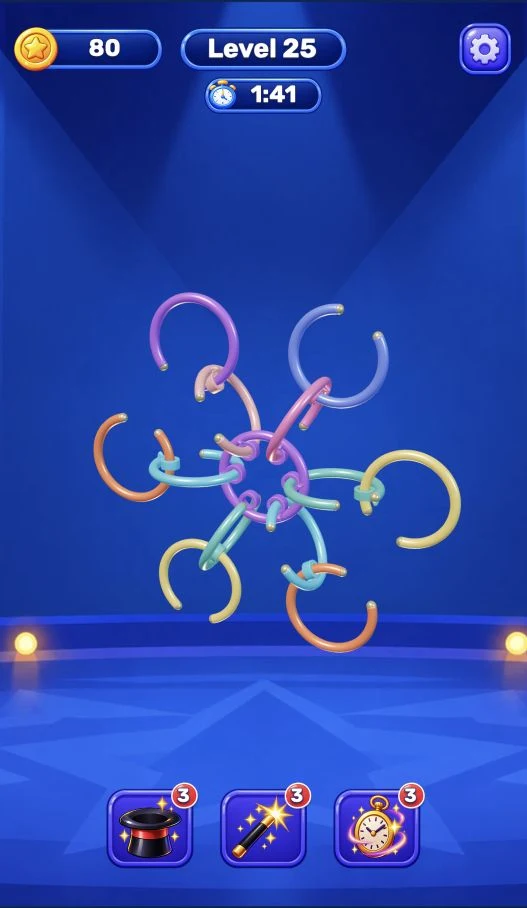
- The board and UI adapt to portrait and landscape screens.